
Make movement feel like play.
Hand-movement games for clinician-guided practice. You choose the movement, hand, level, and when to move on.
How it fits a session
Choose
Match today’s goal.
Model
Show the movement.
Play
Guide the child.
Move on
Pause or switch.
8 movements. Your settings.
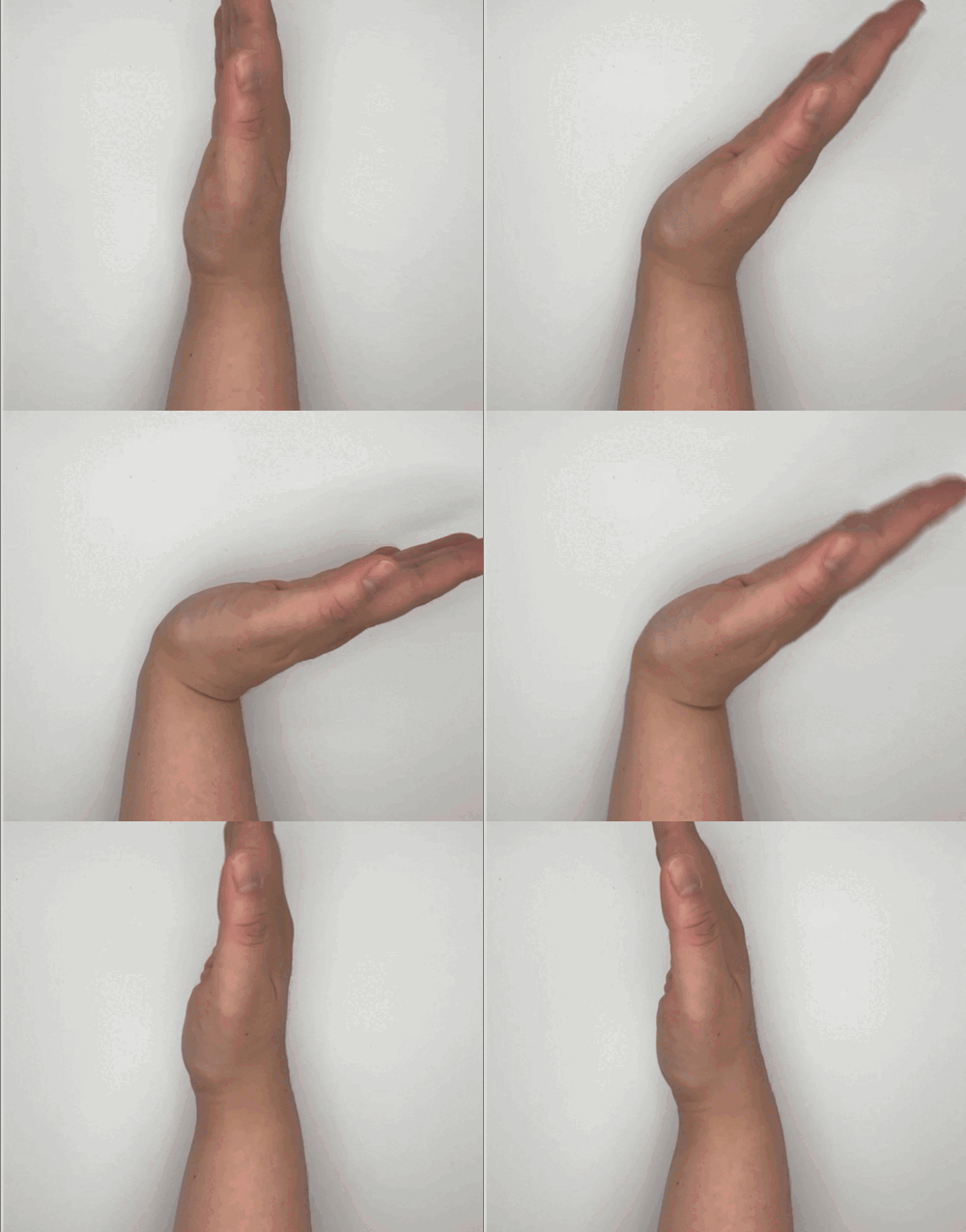
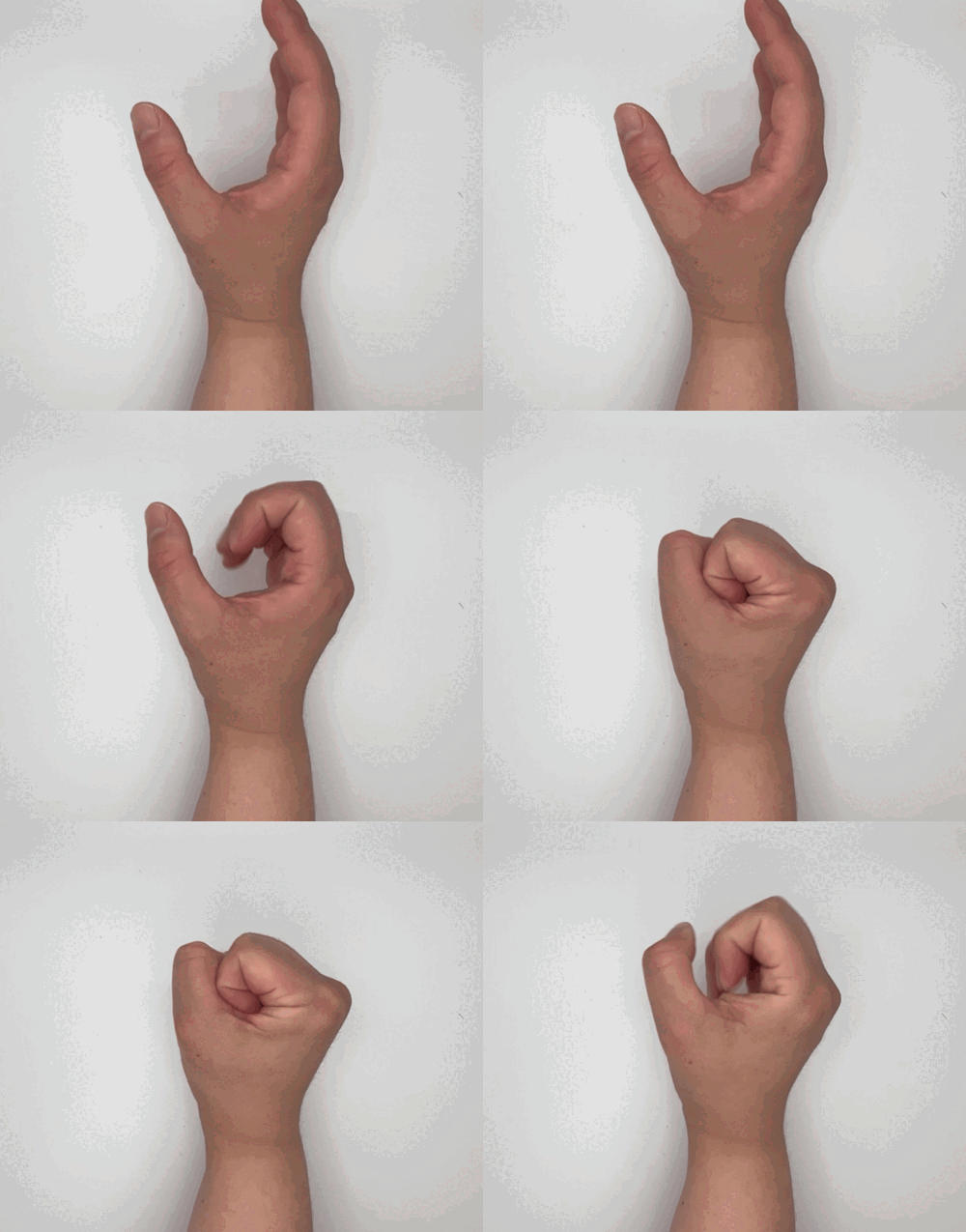
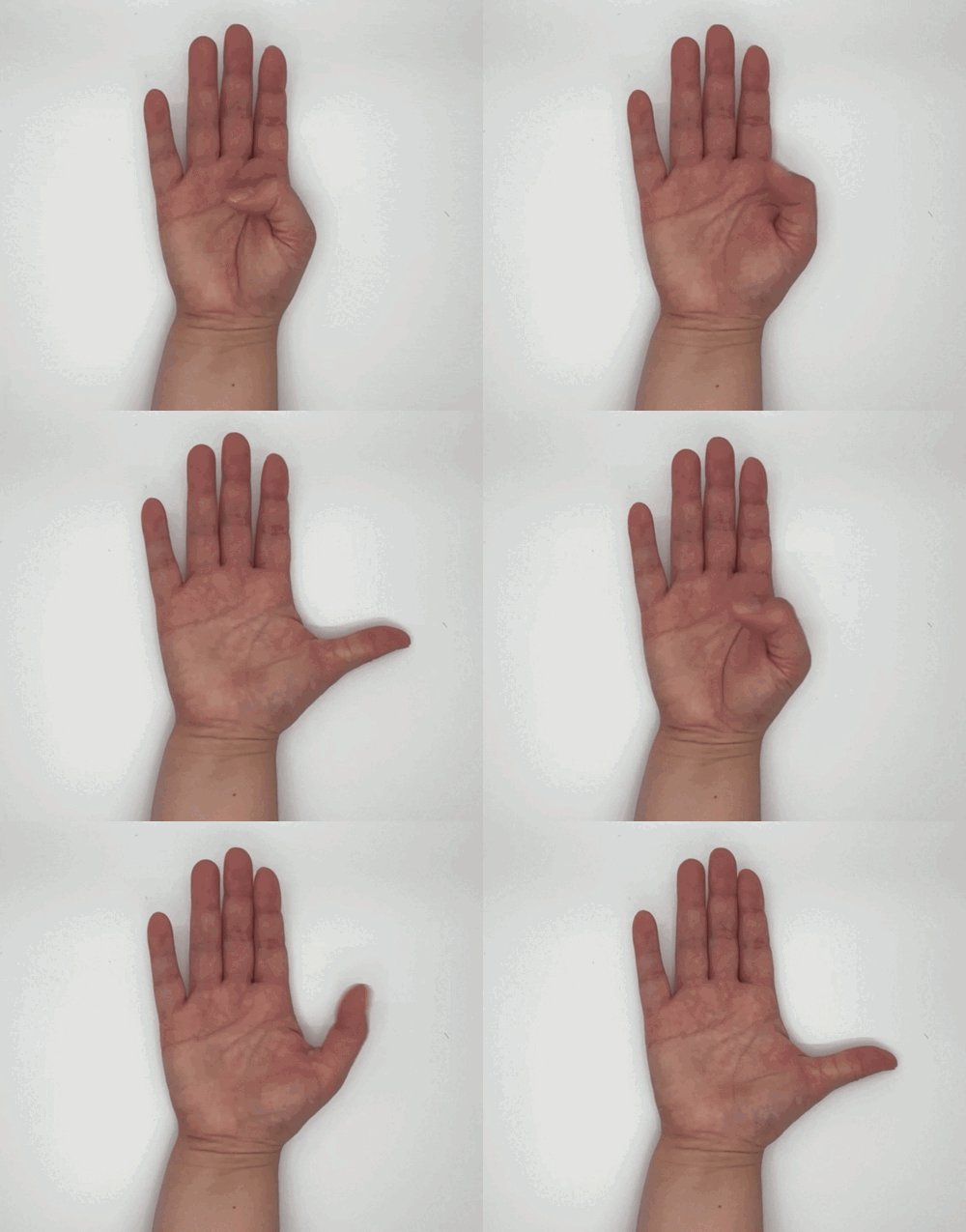
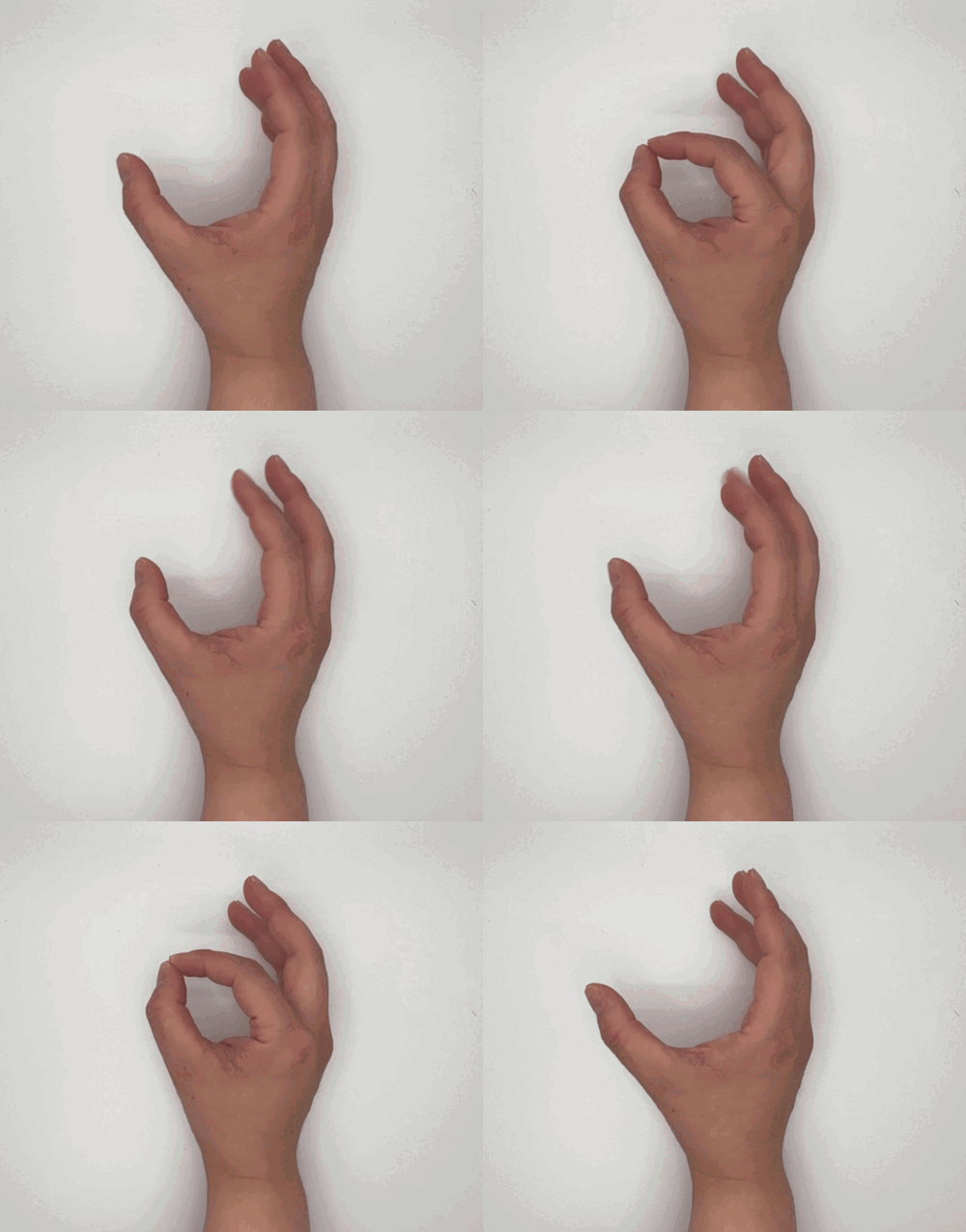
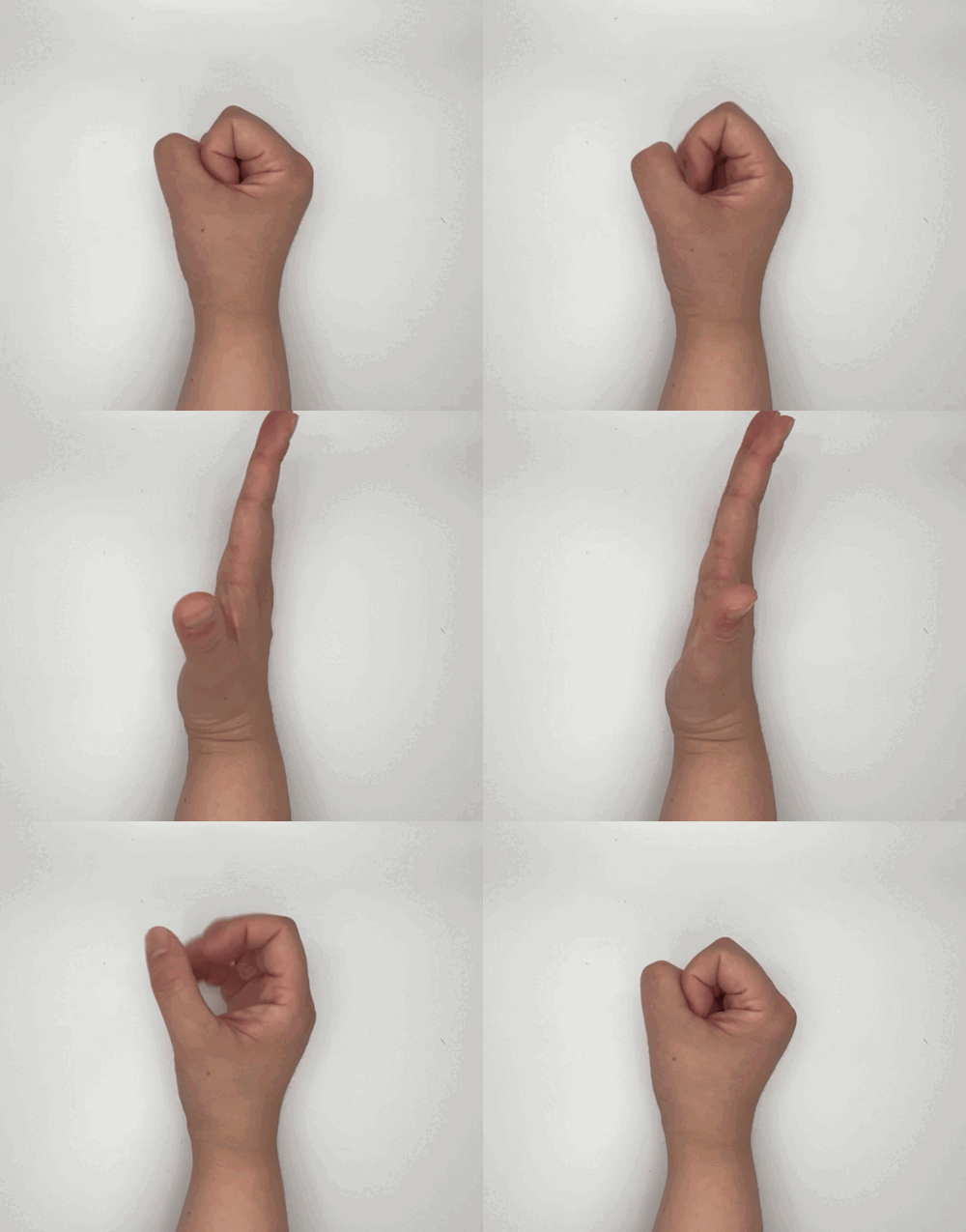
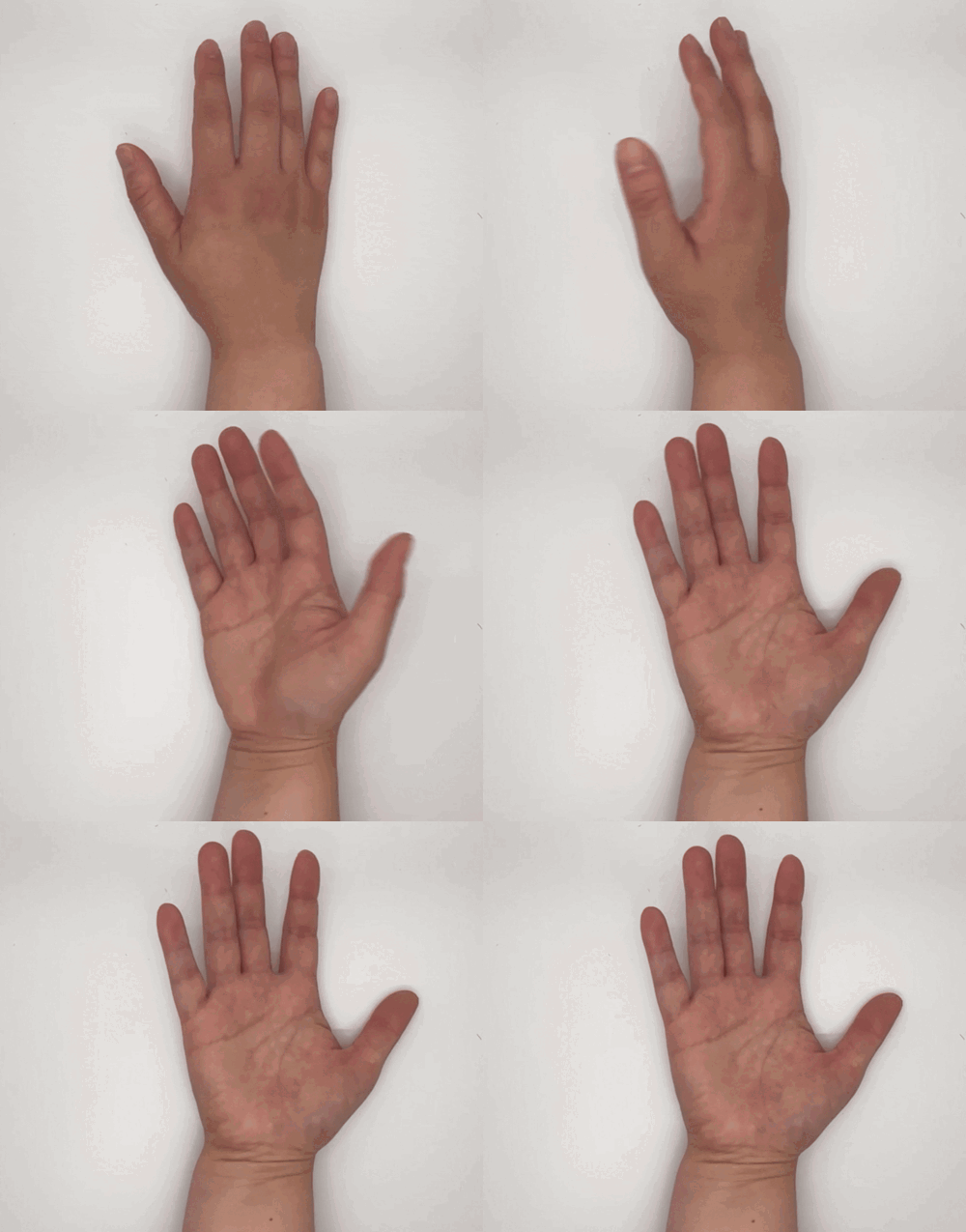
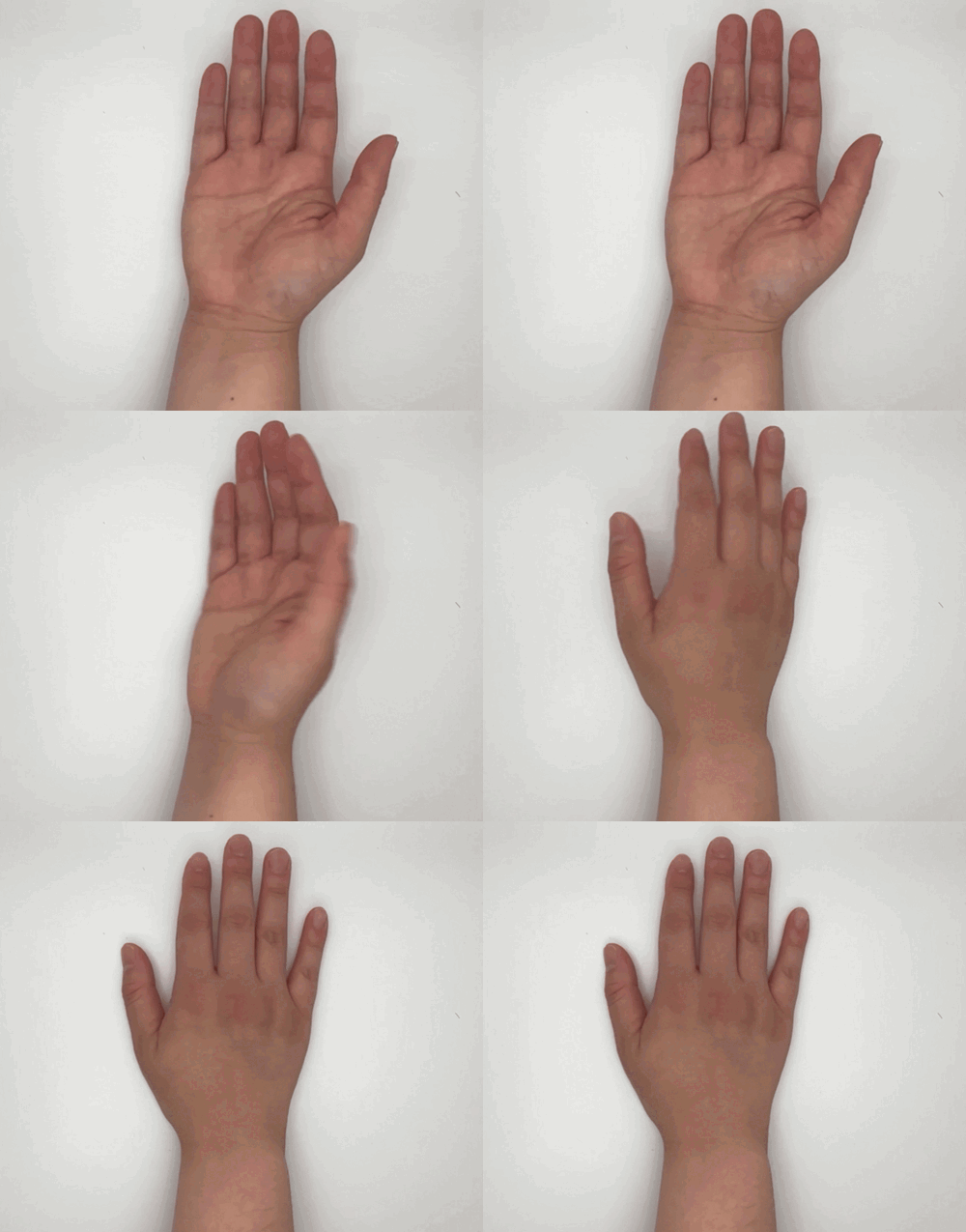
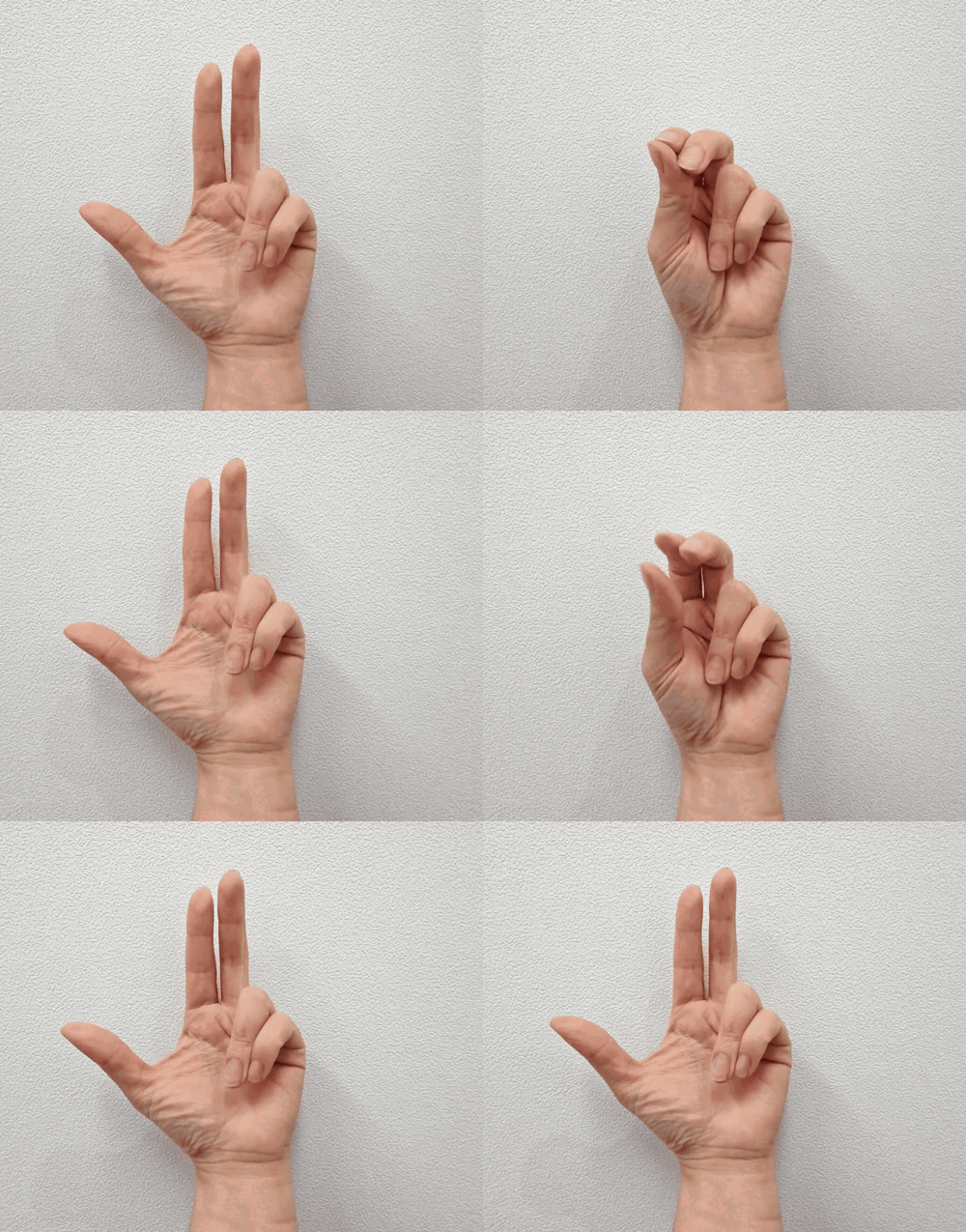
You set the pace and when to stop. Gameplay response—not clinical assessment.
Before a team tries it.
Device
Model · OS · MDM
Room
Camera · distance · nearby people
Plan
User · purpose · feedback · end point
Setup and evaluation detailsexpand_more
Bring the intended device: Share the model, OS version, camera setup, and any mobile-device-management restrictions.
Review the start-to-play flow: See installation, account setup, movement selection, camera position, and the first activity.
Agree on what the evaluation will cover: Define who uses it, where, for what purpose, how feedback is collected, and how the evaluation ends.
45 children · 8 weeks · 3 × 15 min/week
Promising study results; not proof for every child, setting, device, or outcome.
Study details and limitsexpand_more
Population: 45 children with cerebral palsy, aged 18 months to 7 years 5 months.
Program: Randomized controlled trial; 8 weeks; three 15-minute sessions per week.
Reported result: Significant time-by-group effects for Box and Block Test and palmar pinch strength in both hands, and for Functional Dexterity Test and tip pinch strength in the non-dominant hand.
What this study does not tell us: This study does not establish results for every diagnosis, age, movement profile, device setup, institution, or a one-month evaluation. Digital practice complements—not replaces—clinician-led care.
What we know—and what we still need to test.
Known now
- 8 movements · hand · recognition level
- iOS / Android · front camera
- Published CP study
Still checking with each team
- Recognition in the intended setup
- Camera data · export · IT fit
- Sustained use · functional fit
Gameplay response—not a clinical score.
Questions provider teams ask before trying GemGem400.
Can we use an iPad or another institution-owned device?expand_more
The current app is built for iOS and Android devices with a front-facing camera. Bring the exact device model and OS version so compatibility and IT approval steps can be confirmed before an evaluation.
What about left-hand, right-hand, or bilateral use?expand_more
You can set GemGem400 to track the left hand, the right hand, or both hands depending on the child and session goal.
Will it recognize every hand shape or range of motion?expand_more
Recognition varies by child, involuntary movement, and camera position. You can choose from four recognition grades (Easy, Good, Great, Perfect) to test fit.
What video or movement data is stored or transmitted?expand_more
The front-facing camera detects hand landmarks on the local device during gameplay. We review exact data flow, storage, and privacy documentation with each team before any evaluation.
Can we export data or connect it to a research system?expand_more
Standard clinic use does not require data export. Research or institutional integrations can be discussed during an intro call.
Bring one typical 1:1 session.
In 15 minutes, we’ll walk through your device, setting, and open questions.
A conversation is not a promise of a free trial, device support, or institutional approval.